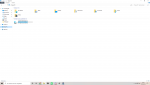
F Finn2307 Mitglied Themen-Ersteller Aug 25, 2019 43 6 8 Sep 7, 2019 #1 Hallo Community, Auf meinem neuen PC wird meine SSD angezeigt und meine Seagate Festplatte jedoch nicht -ist das üblich oder ist etwas kaputt? Anhänge Screenshot (1).png 103,5 KB · Aufrufe: 5
Hallo Community, Auf meinem neuen PC wird meine SSD angezeigt und meine Seagate Festplatte jedoch nicht -ist das üblich oder ist etwas kaputt?
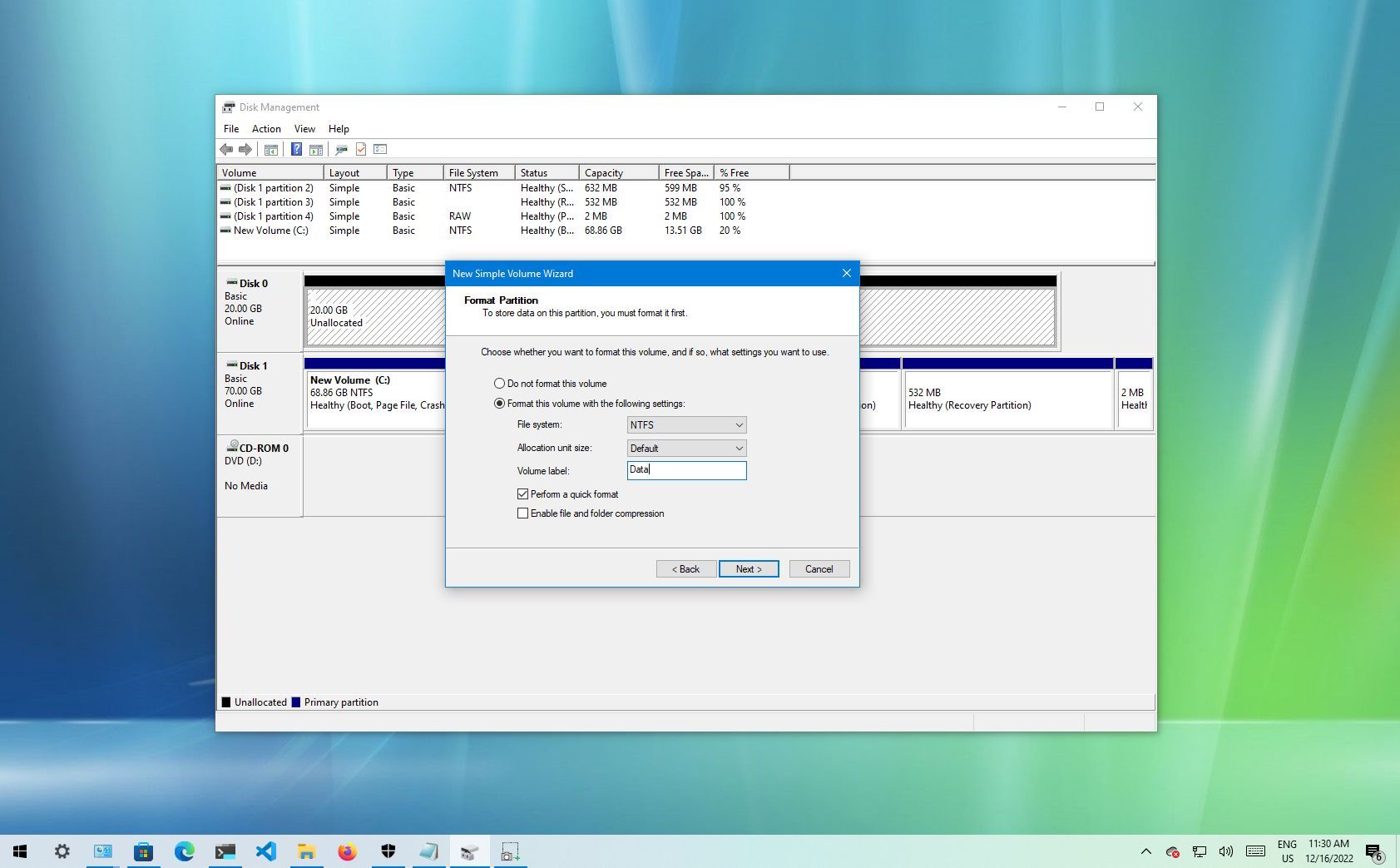
xupack Moderator Mitarbeiter Nov 3, 2018 2.802 3.415 288 Sep 7, 2019 #2 Im disk management die Festplatte initialisieren und einen Laufwerksbuchstaben zuweisen. Reactions: Koslow
Koslow Stammgast II Sep 2, 2019 330 71 58 Sep 7, 2019 #3 Finn2307 hat gesagt.: Hallo Community, Auf meinem neuen PC wird meine SSD angezeigt und meine Seagate Festplatte jedoch nicht -ist das üblich oder ist etwas kaputt? Zum Vergrößern anklicken.... Wenn du hilfe brauchst pn
Finn2307 hat gesagt.: Hallo Community, Auf meinem neuen PC wird meine SSD angezeigt und meine Seagate Festplatte jedoch nicht -ist das üblich oder ist etwas kaputt? Zum Vergrößern anklicken.... Wenn du hilfe brauchst pn
F Finn2307 Mitglied Themen-Ersteller Aug 25, 2019 43 6 8 Sep 7, 2019 #4 Koslow hat gesagt.: Wenn du hilfe brauchst pn Zum Vergrößern anklicken.... Jo brauch hilfe
xupack Moderator Mitarbeiter Nov 3, 2018 2.802 3.415 288 Sep 7, 2019 #5 Bitte die Lösung trotzdem hier dokumentieren. Es bringt Leuten mit dem selben Problem nichts, wenn die Lösung in einer PN steht. How to format a new hard drive on Windows 10 It's essential to format a new hard drive to prepare it for use, and in this guide, we'll show you how to complete this task on Windows 10. www.windowscentral.com Reactions: TheHomefront
Bitte die Lösung trotzdem hier dokumentieren. Es bringt Leuten mit dem selben Problem nichts, wenn die Lösung in einer PN steht. How to format a new hard drive on Windows 10 It's essential to format a new hard drive to prepare it for use, and in this guide, we'll show you how to complete this task on Windows 10. www.windowscentral.com